
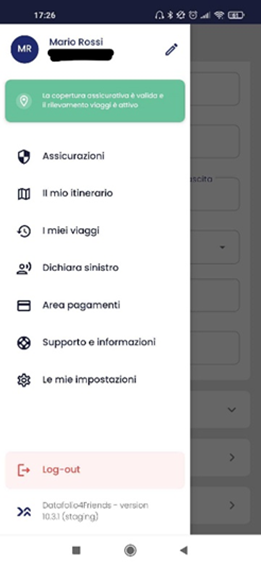
To change your insurance package, go to the menu and click on 'Insurance'.
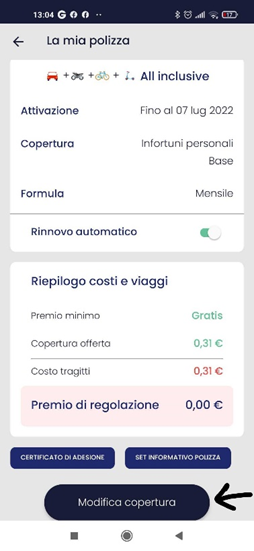
Then click on your current formula and on 'Edit Coverage'.
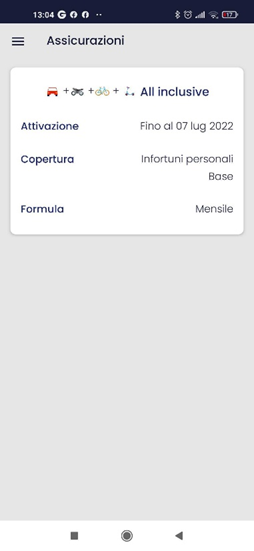
Finally, choose whether to change only the level of protection between 'Basic' or 'Enhanced', or the entire cover by deciding between 'All Inclusive' or 'Customary' among the various types of mobility packages.
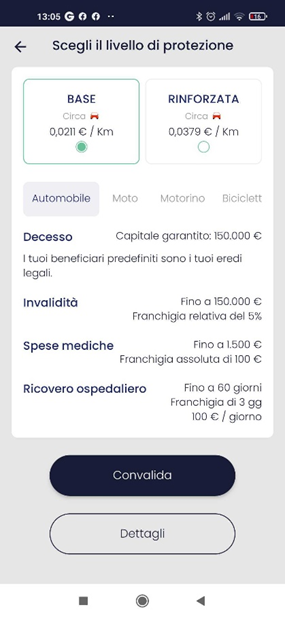
Then validate.
Comments
0 comments
Please sign in to leave a comment.